Skip to main content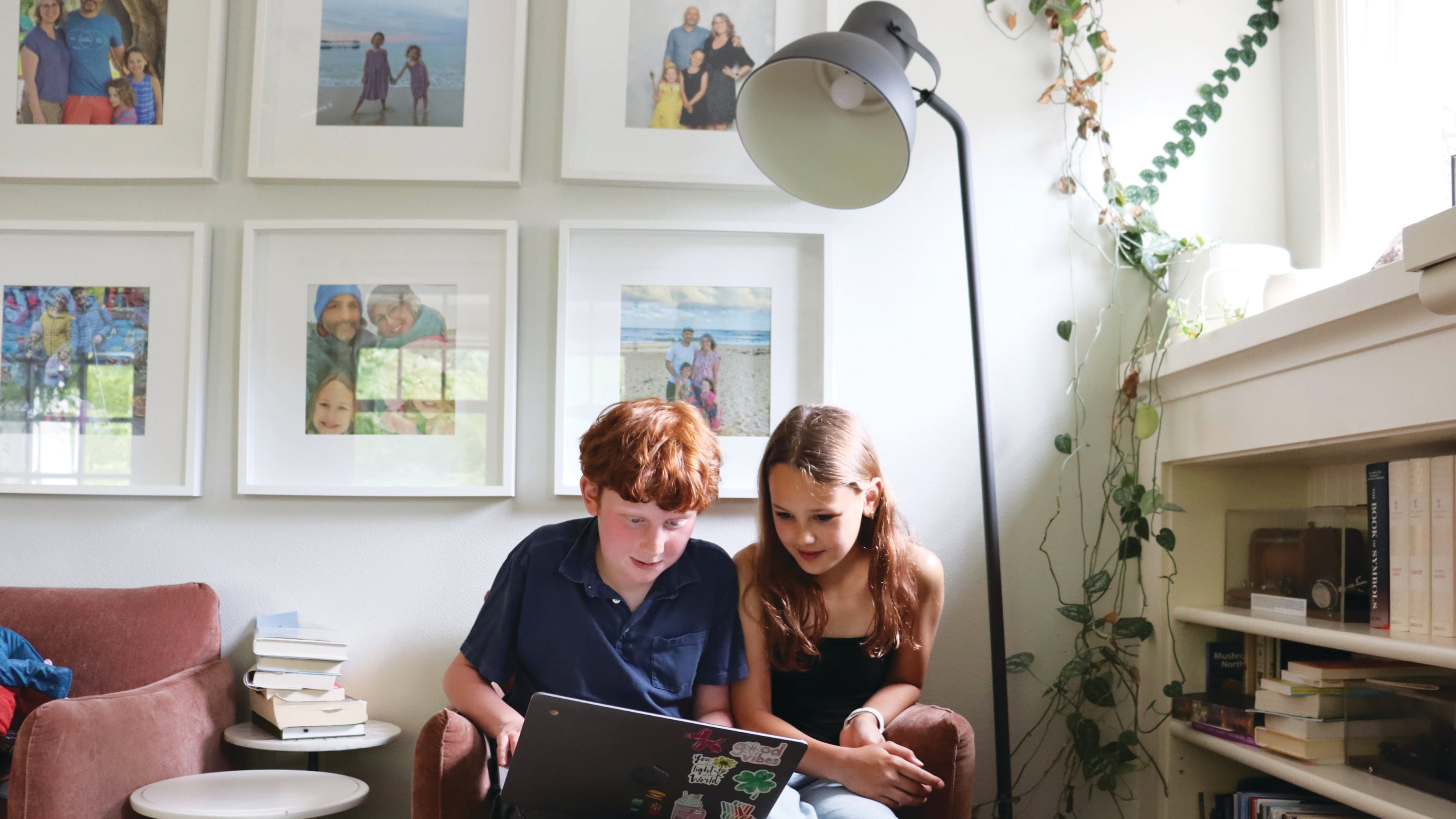
Fourth grade gave Maika a headache.
It’s not the curriculum at Richmond Elementary School, where Maika is part of the school’s Japanese dual immersion program. It’s the computers.
Maika describes jam-packed school days of six hours and 30 minutes, with time blocked out for everything from fractions to kanji, the core of the Japanese writing system. And as it turned out, Maika spent a good bulk of the school day on computers; in the classroom, they estimate they clocked three to four hours of screen time each day.
That’s well above the amount of time Portland Public Schools officials estimate elementary school students should spend on screens. At a June 15 School Board meeting, Dr. Renard Adams, the district’s chief accountability and equity officer, discussed screen time expectations around the district’s math curriculum facilitated by learning software i-Ready. Adams said screen time on the platform for elementary schoolers shouldn’t exceed 40 minutes a week.
Maika says that standard doesn’t match the reality at Richmond. “That’s not true,” Maika said, when presented with the expected limit.
Maika’s not a fan of computers. Oftentimes, software programs provided only one explanation for how to solve a problem in math when Maika really needed to be shown another way to thoroughly understand. There have also been physical consequences: Maika’s eyes are often dry at school, and lights from the screen trigger headaches.
“[Screen time] is getting more and more,” Maika says. “I don’t like it. It’s weird. I don’t understand a bunch of it. My math was getting a bit bad because of the Chromebooks, I think, and then when I did it with my dad, he helped me.”
The hard facts of screen time that Maika describes are becoming more difficult for the district to ignore.
In recent months, a chapter of the national parent advocacy group Schools Beyond Screens has mobilized in Portland. Its founders say they hope to persuade the School Board to pass policies to regulate screen time and use of artificial intelligence across the district. Miranda Rake, a co-lead of the Portland chapter, described the June 15 meeting as “uncomfortable.” She says PPS officials presented their understanding of expectations for screen time in the classroom, but a crowd of parent-advocates disputed those accounts. “I’m not in every classroom every day,” Adams told board members that day. “I would not purport to refute or challenge what parents are saying is their experience.”
Sydney Kelly, a spokeswoman for PPS, tells WW the district expects average elementary schoolers to use devices in class mainly under three circumstances. PPS expects students to spend about an hour each month in online asssessments. For FunHub practice (a literacy tool), the district expects about two hours each month for grades K–2 and about 2.5 hours a month for third graders. And the district expects students to use the i-Ready platform between two and three hours a month.
But those numbers aren’t in line with what many parents across PPS say their students have experienced. Some parents have told the School Board in recent weeks that their children lose hours to screens in the classroom, similar to Maika’s experience.
Rake says SBS leaders realize transparency is a key first step in building good policy. “What we have uncovered, more than I ever expected to, was a real lack of awareness on the part of the administration and on the part of a lot of PPS families about what is really happening in the classroom with technology,” Rake says.
Just how much does screen time vary among PPS schools? During the past two weeks, WW sat down with five elementary schoolers and their parents to learn about their experiences. Here’s what they had to say:
Clover and Oscar, Sabin Elementary School
Grade: Rising sixth graders
Favorite subjects: Literature (Clover) and “anything but health” (Oscar)
Average time spent on screens per day: 45 minutes to an hour
Clover and Oscar just wrapped up fifth grade at Sabin. On a recent Thursday morning, they clicked through the i-Ready software, showing this reporter the display, muttering at the glitching interface. Oscar has a serious bone to pick with i-Ready. He says that while he tested well on most components of a diagnostic by the software, he scored worse in one category and, throughout fifth grade, was relegated to relearning things he already knew. When told PPS expects students to spend only 15 to 20 minutes on i-Ready twice a week, Oscar bristles. “That is not what happens,” Oscar says. “You have never been in our classroom or any classroom.”
Both say that when given the choice between screens or a pen and paper, they’d pick the latter. “I feel like I remember it more, and it’s just more clear,” Clover says of pen and paper instruction. Occasionally, she says, computers could be useful for interactive lessons (like a diagram of how the sun shines throughout the day). But often, computer instruction was repetitive or draining. Clover says screen time at Sabin has also varied dramatically between grades. In fourth grade, she estimates she spent about an hour a day on screens in math alone, much higher than the 30 minutes spent during fifth grade.
Beatrix, James John Elementary School
Grade: Rising third grader
Favorite subject: Lunch
Average time spent on screens per day: 15–30 minutes
Beatrix, who just completed second grade at James John, has had an experience with screens that aligns closer to PPS’s expectations. She says she feels good about the amount of time she spends on computers, and adds that her teacher took care to ensure that if she was on screens during Spanish, then she wouldn’t be on them for math, and vice versa. In math class, she says her teacher would show the class how to do something, then they would work out a problem on i-Ready, and then they’d go back to paper. Still, she prefers the latter. “I have to figure out if it’s right or wrong by myself, whereas a computer, it can tell you if you’re right or not,” she says.
Screens can also be distracting, she says, especially when classmates decide to surf the web, open YouTube, or play games instead of opening learning software. “The teacher just sends them to time out in the cozy corner,” she says. Beatrix’s mom, Aine Mines, says that while she’s been happy with how her daughter’s school regulates screen time, she’s always wondered why the district doesn’t give teachers better mechanisms to block students from specific distracting behavior. “Why is the teacher in charge of keeping 24 8-year-olds on track?” she says. “It just doesn’t feel like teachers are getting supported in this…why are they in charge of keeping kids off YouTube? Why is that not a district IT-level [problem]?”
Maika, Richmond Elementary School
Grade: Rising fifth grader
Favorite subject: Physical education and English
Average time spent on screens per day: 3–4 hours
On a breezy summer afternoon, Maika sat at a picnic table in Hancock Park and began flipping through a mathematics notebook, full of equations and doodles. They’d just returned from a trip to Osaka, Japan, where they’d enrolled in a local public school for about a month. The average screen time there? About 45 minutes for a longer seven-hour school day. “I loved it,” they say. That also meant a lot less time when teachers had to stop students from accessing YouTube or other games, an occurrence that “distracts everybody” and disrupts class at Richmond at least once a day, Maika says.
Maika’s dad, Kelley Albrecht, tells WW that he wasn’t happy when Maika came home in third grade with a permission slip of sorts “to use Chromebooks responsibly,” but he still wasn’t aware of how often the kids were on screens. “I didn’t expect that it could take up a majority of the day,” Albrecht says. But he says he also knows that dual language teachers at Richmond have suffered from budget cuts in recent years and are expected to take on bigger workloads each year. Albrecht is especially worried that in subjects like math, where later success hinges on understanding earlier concepts, screens obfuscate parents’ understanding of how their children are doing. “It’s up to the parents to figure out the opaque workings of the My.PPS parent login system, to go in and find amongst the myriad of icons there which one is going to get them to a place that might tell them how their kid did on a math quiz,” he says.
Vivi, Metropolitan Learning Center
Grade: Rising sixth grader
Favorite subject: Writing
Average time spent on screens per day: Close to zero
At Metropolitan Learning Center in Northwest Portland, Vivi’s had an experience few students in PPS have. The alternative public school, which is open to students across the district via a lottery, runs a pretty tight screen policy. Vivi estimates she doesn’t have to crack open her Chromebook on most days at all. (When she’s had to learn on screens in the past, she adds, she’s often lost focus and performed worse on tests.) MLC also has a hands-on learning model that further enhances Vivi’s learning experience. “Part of the way we learn is, we go on field trips and we go to overnight camp, and that kind helps you go out there and not just learn things on paper or be bored, you actually have to interact and do something,” she says. In the past academic year, she adds, she found herself on i-Ready mostly when there was a substitute teacher in the building.
Her mom, Chenney Gruber, says her family chose MLC in part for the limited screen time—the family has app limits in place and encourages reading, she adds. “The philosophy of MLC has always been to have less screen time and to be more teacher-led and student-led,” Gruber says. “You can’t really do student-led learning as easily when you’re on a computer.”